


Customized Visa Platinum Card
Global Payments, Worldwide Access
 No complicated application, Activate and use instantly
Payment Protection, Pay Shield
One App to flexibly manage all card functions
Supports physical card and digital payments
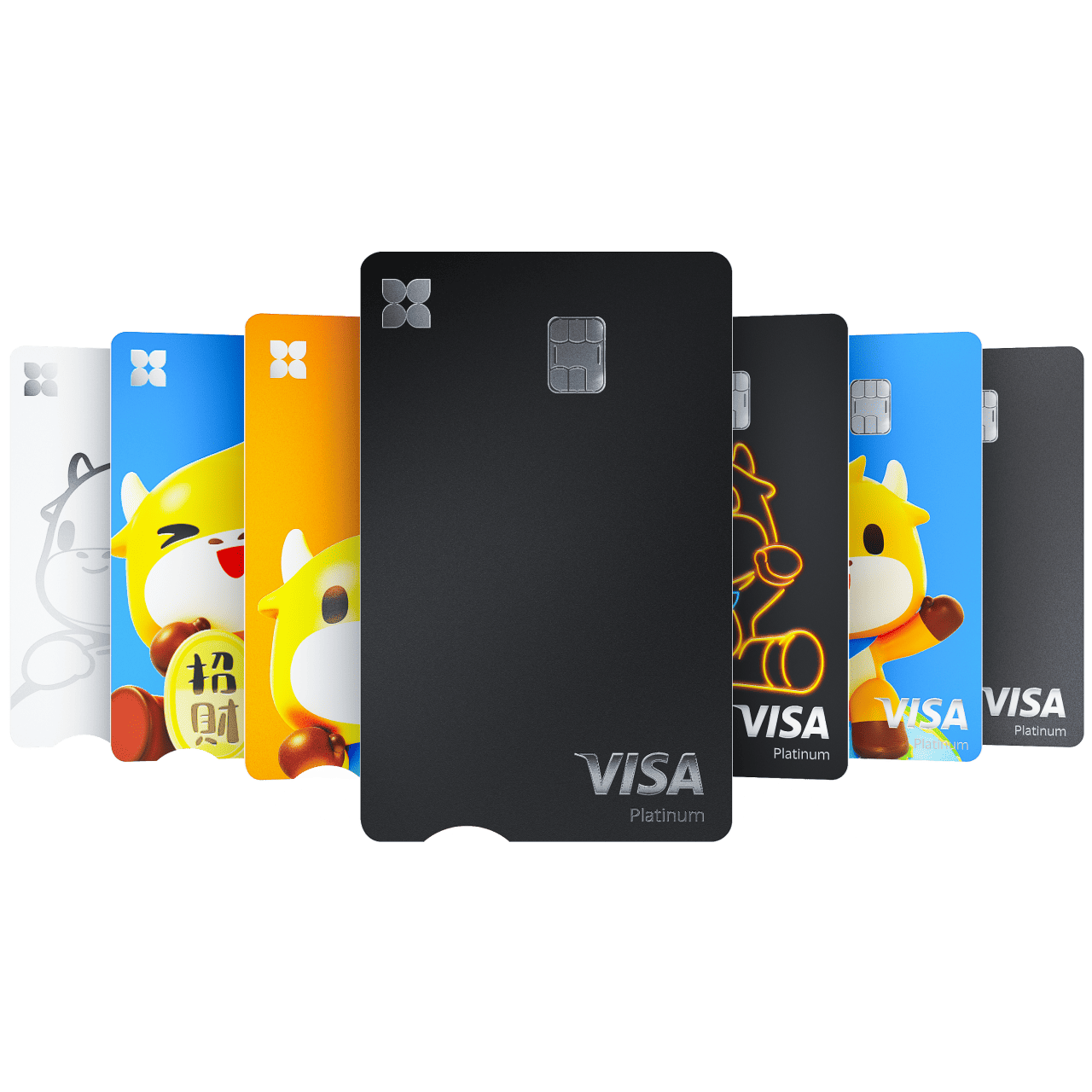

Personalized Card Design
Hong Kong's first digital bank card with customizable card face

Bind to Digital Wallets
Seamlessly pay with Apple Pay and Google Pay

Global ATM Withdrawals1
Access nearly 3 million ATMs worldwide

Visa Concierge Service2
Enjoy exlusive experience, elevate every trip with luxury
How to Apply for the Card
Step 1
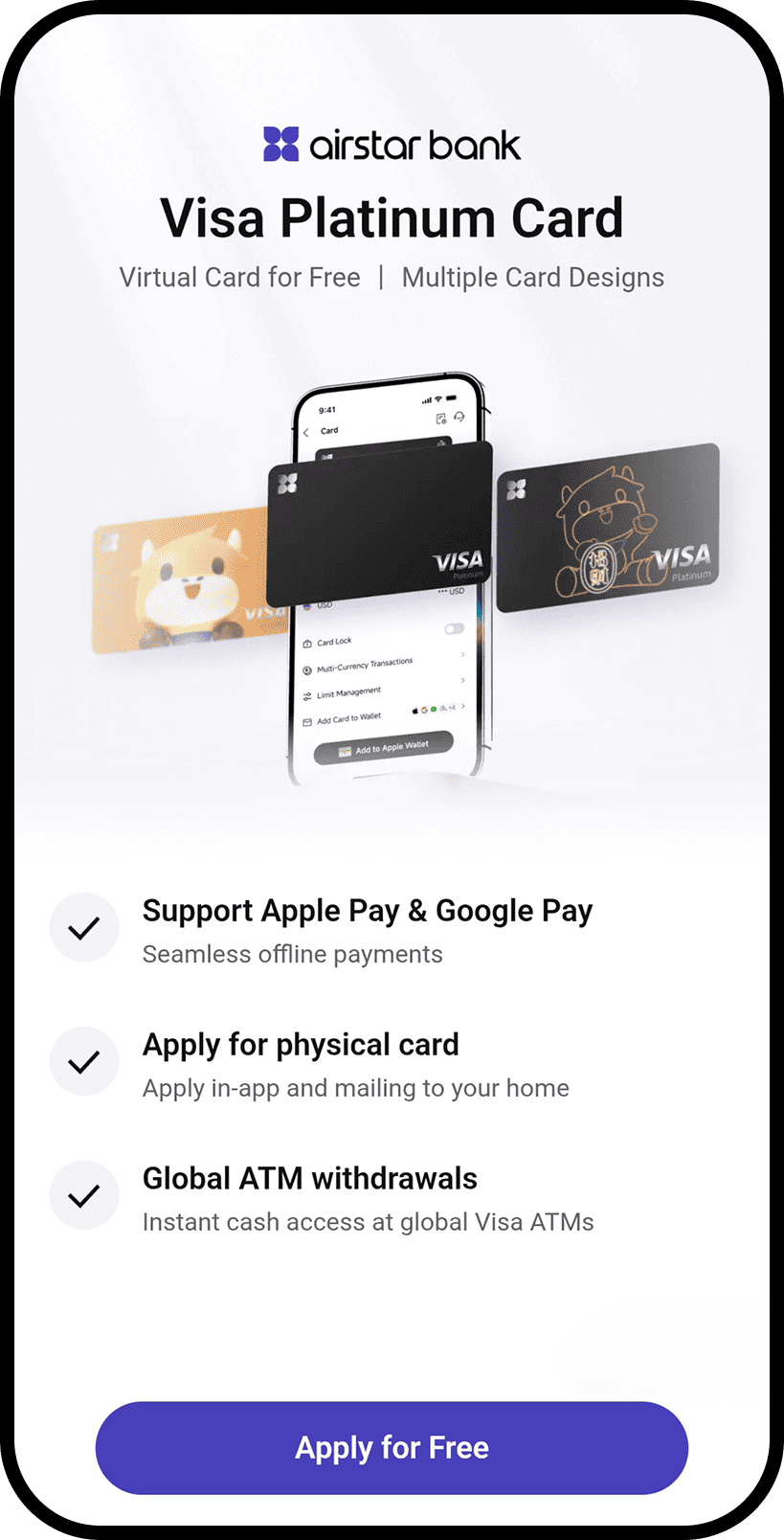
- During application, after submitting your account opening details, click [Apply Now] to apply for the card simultaneously
- If you already have an account, click [Card] on Homepage - [Apply Now]
Step 2
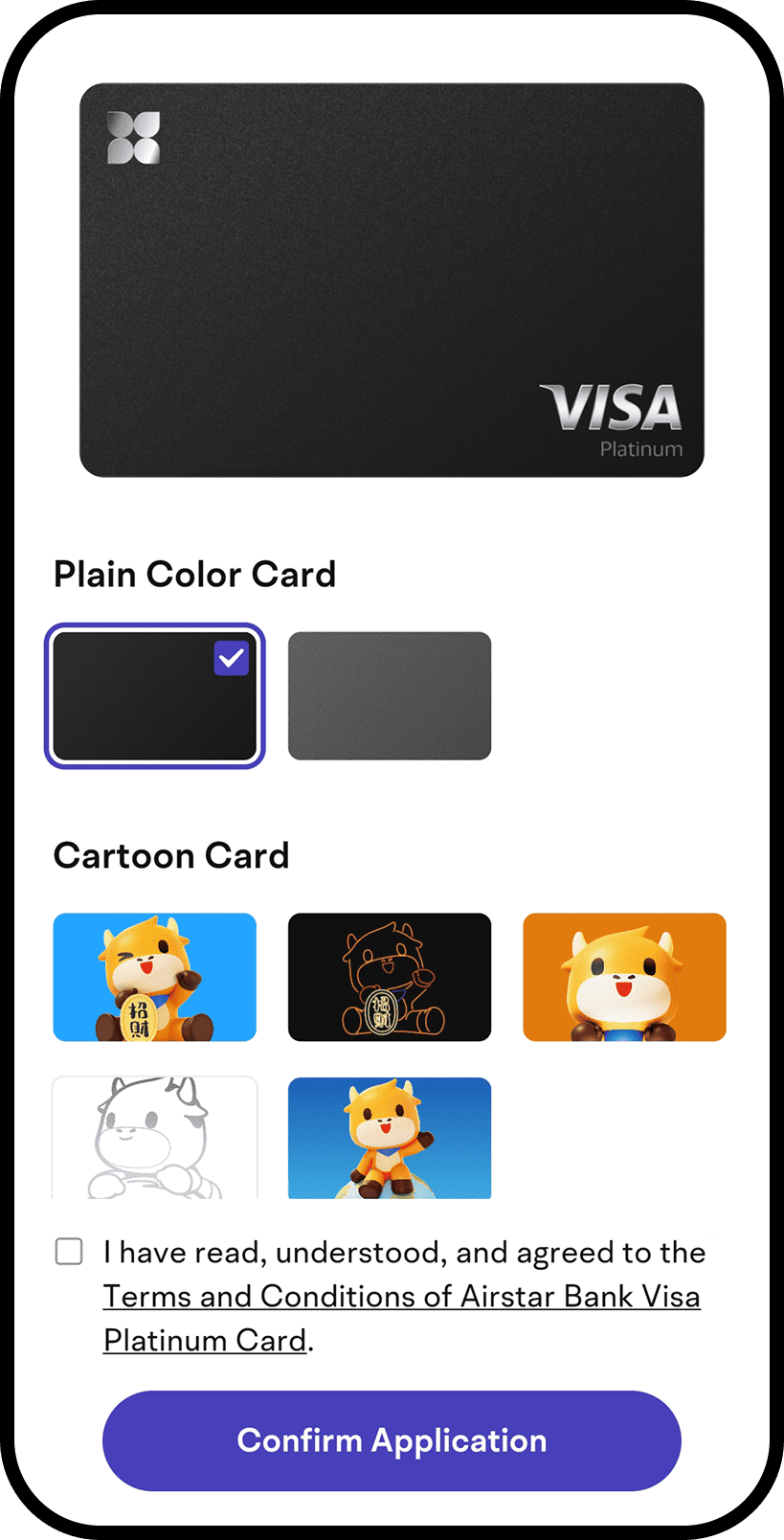
Choose your preferred card design
Step 3
(If needed)
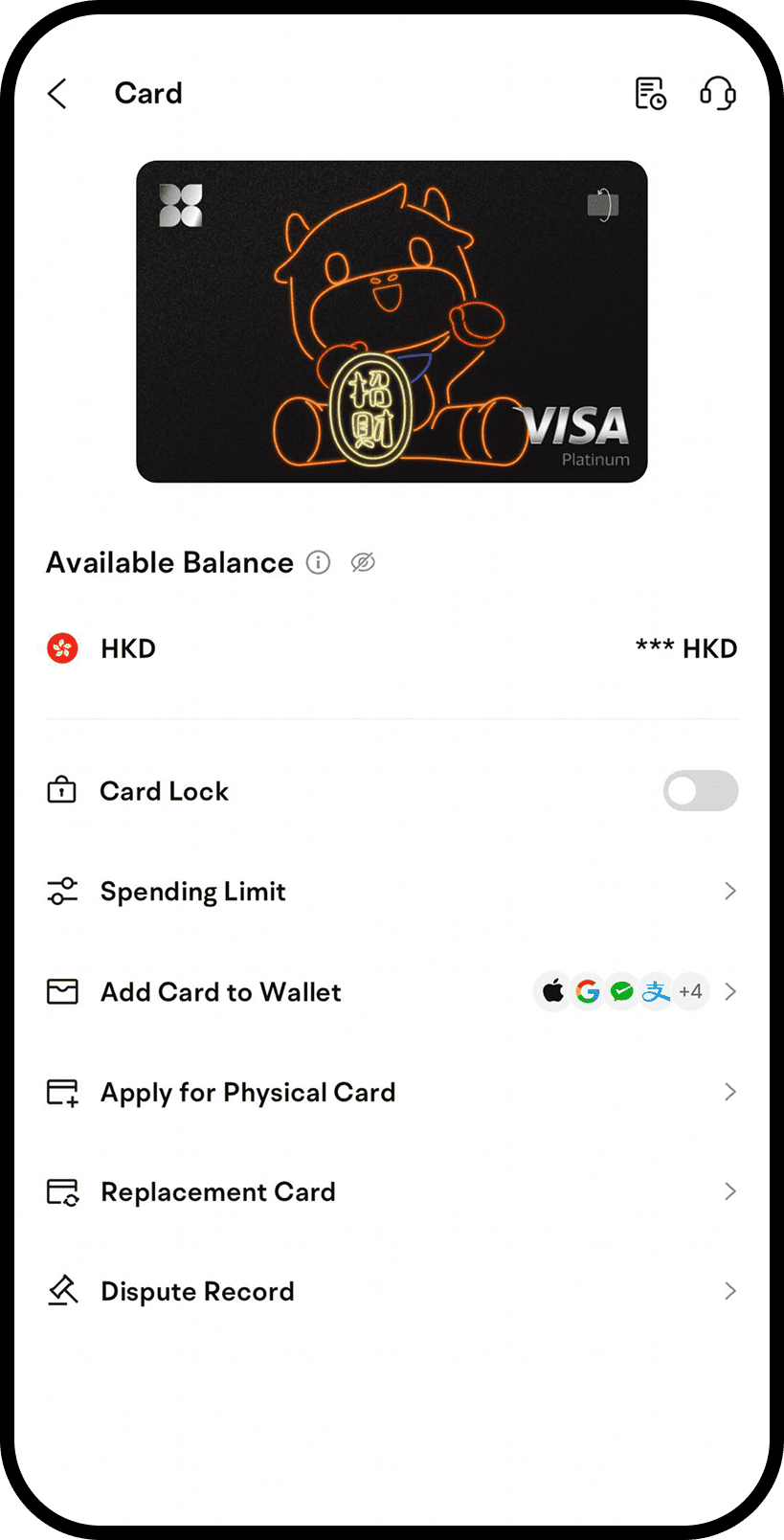
On the Card homepage, Click [Apply for Physical Card], enter your correspondent address, and complete the application.
FAQ
Are there any fees for using ATMs with my Airstar Bank Visa Platinum Card?

- There may be fees associated with using ATMs, depending on the ATM network and your specific Airstar Bank Visa Platinum Card. Please refer to the Card Service Fees table on Airstar Bank's website or contact our customer support for more information.
How can I adjust the transaction limit?
- You can adjust your transaction limit in the Mobile App by selecting “Card” and “Spending Limit”
Can I use the Airstar Bank Visa Platinum Card overseas?
-
Yes. For foreign currency transactions, we will use the Bank's T/T exchange rate and Visa's exchange rate. Please pay attention that an additional fee will be applied when using the Airstar Bank Visa Platinum Card overseas.
For more details, please refer to the Card Service Fees table on Airstar Bank's website

1.For the location of Visa PLUS ATMs, please refer to the Visa website: Visa Global ATM Locator.
2.For more information about Visa Platinum Concierge, please refer to the Visa website: Visa Platinum Concierge Service.
2.For more information about Visa Platinum Concierge, please refer to the Visa website: Visa Platinum Concierge Service.